
Advertisement
Click to download now, finish the installation quickly, and directly unlock the all-round experience
Advertisement
Screenshots

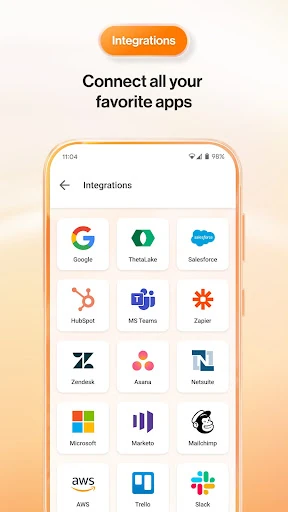

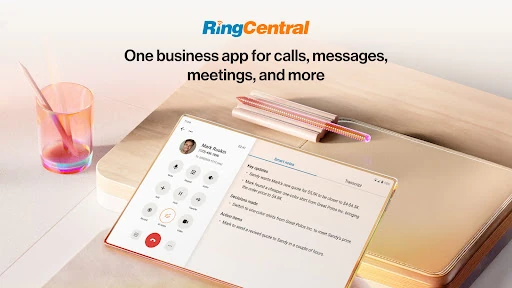
Click to download now, finish the installation quickly, and directly unlock the all-round experience
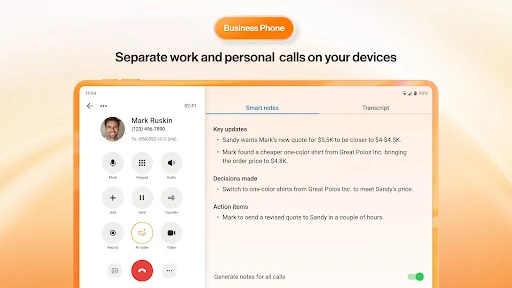
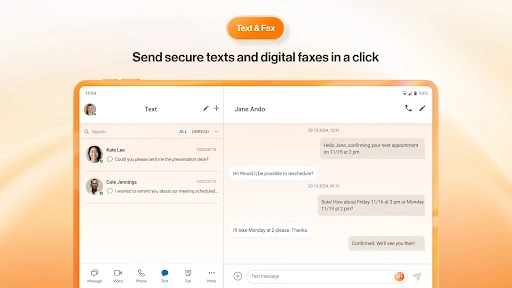
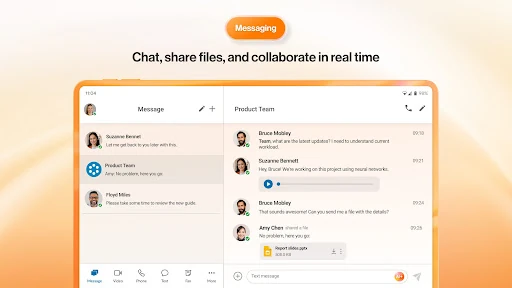
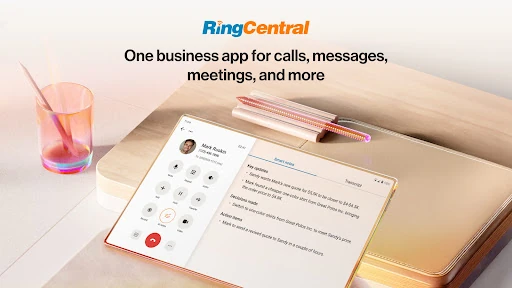
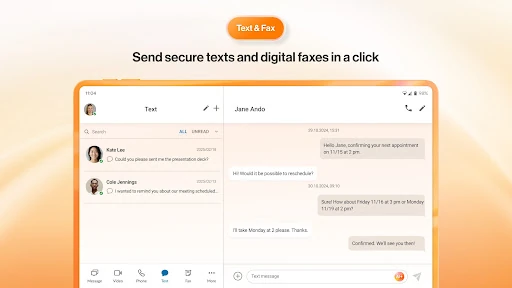
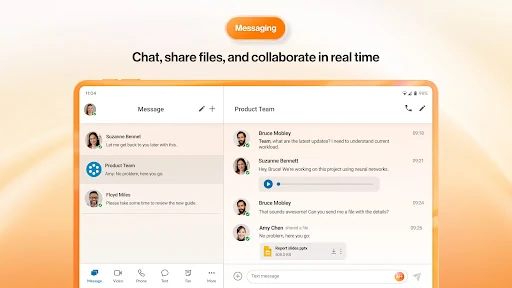
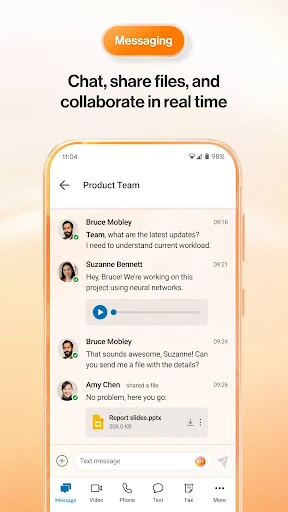
RingCentral brings business calling, messaging and video meetings to Android. It suits teams that already use RingCentral for work and want to handle conversations from a phone as well as a desk. Depending on the plan, you can call or text from a business number, join video meetings, and message colleagues one-to-one or in groups.
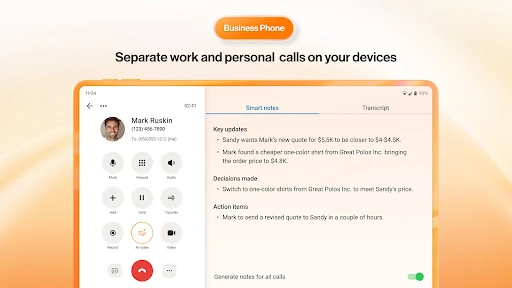
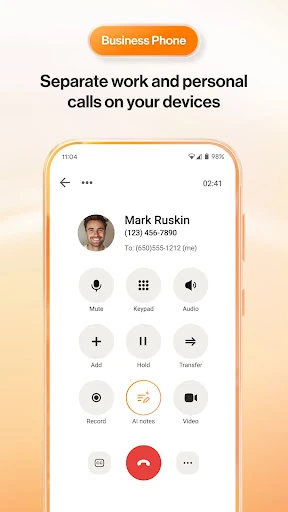
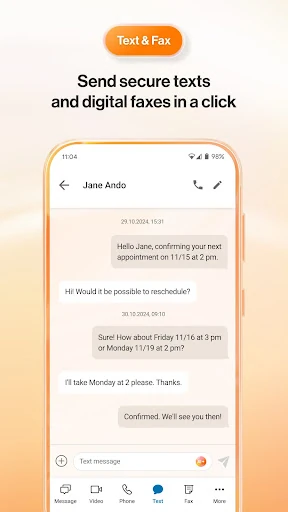
Call controls include forwarding, screening, recording and voicemail transcription. You can set business hours and phone menus, and keep work contacts in a separate address book. The app also supports mobile faxing and sharing files in team messages. Some calling plans include unlimited calls in the US and Canada; available features depend on the RingCentral service and subscription.
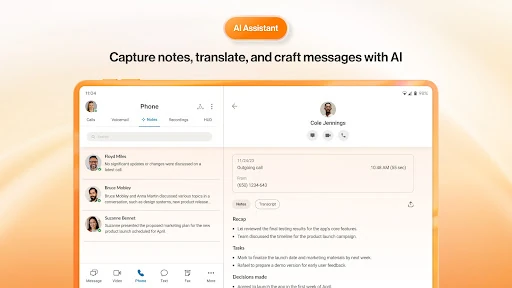
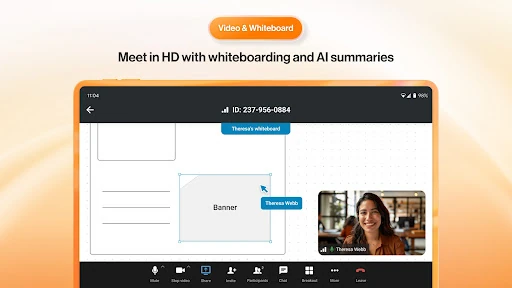
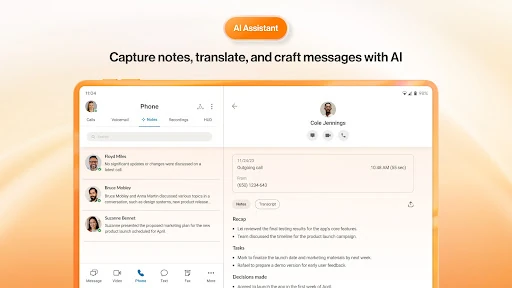
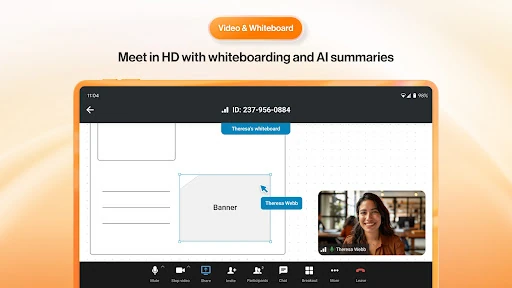
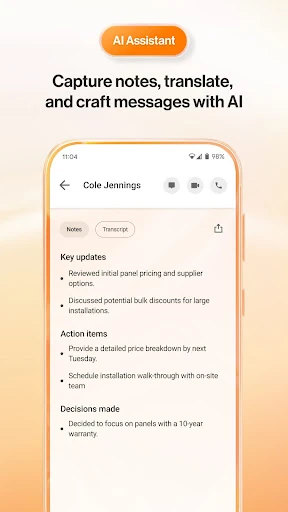
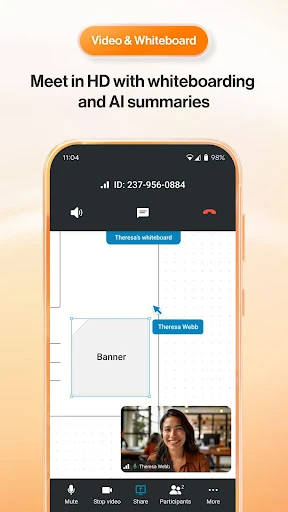
For teams that need more than calls, RingCentral supports video meetings with content sharing, live annotations, virtual backgrounds and interactive whiteboards. You can move a call or meeting between devices, and use background-noise reduction or a driving mode that keeps the microphone muted until you choose to speak. Certain AI tools, including meeting summaries and live transcription, are also described, though access can depend on the product or plan.
This is most useful when your workplace relies on RingCentral; it is not simply a general-purpose calling app. Some features require a paid RingCentral subscription, while a free RingCentral Video Pro account is available for video use. The listing is from RingCentral, has a 4.7 rating from about 31,800 reviews, and shows more than 1 million installs.